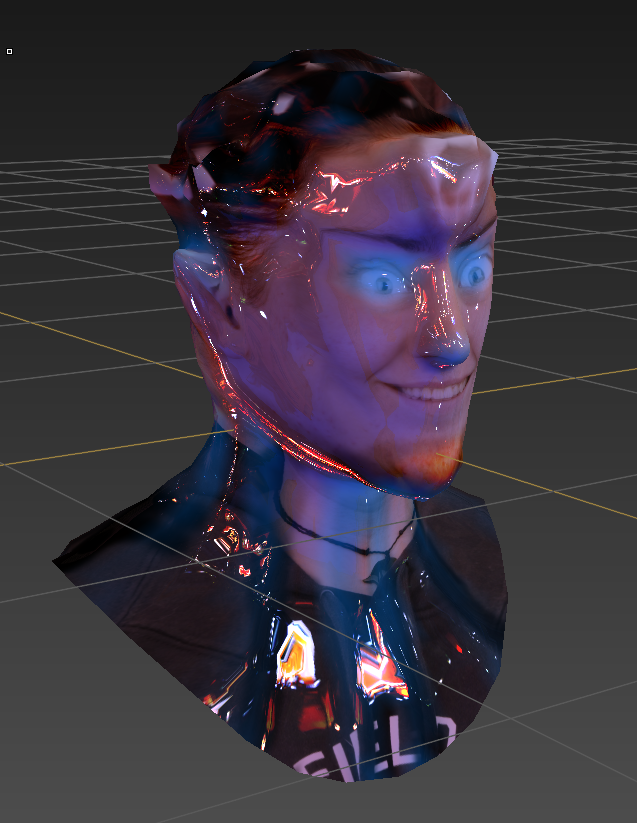
I've learned a lot from making a booklet
What I did wellGetting to work:
Once I realized I should be working at home, I went straight to work, trying to maximize the little time I had. I made sure not to burn myself out by working non stop for hours, so I would take at least a five minuet break to walk around, go outside, chat to family. This was not only good for my eye sight, but it made me feel more relaxed and refreshed when working again. I asked my mum if I could borrow her laptop a lot and to buy Photoshop to use at home. This was a huge factor in me completing my assignment. I wasn't stuck at SIT twenty-four seven. It gave me a lot more time to work on the drawings
Planning work:
I made sure, before fine finishing the drawings, that I had planned every drawing I wanted. I planned all eight drawings so I knew what direction I was heading to. It helped me to see the idea and drawing I was doing before they looked very pretty. This also helped keep my work consistent with appearance, because I was refining and colouring all my work at the same time. It also helped me not to procrastinate on thinking about what to draw for a long period of time.
Plans:


< Drawing 1
Drawing 2 >


< Drawing 3
Drawing 4 >


< Drawing 5
Drawing 6 >

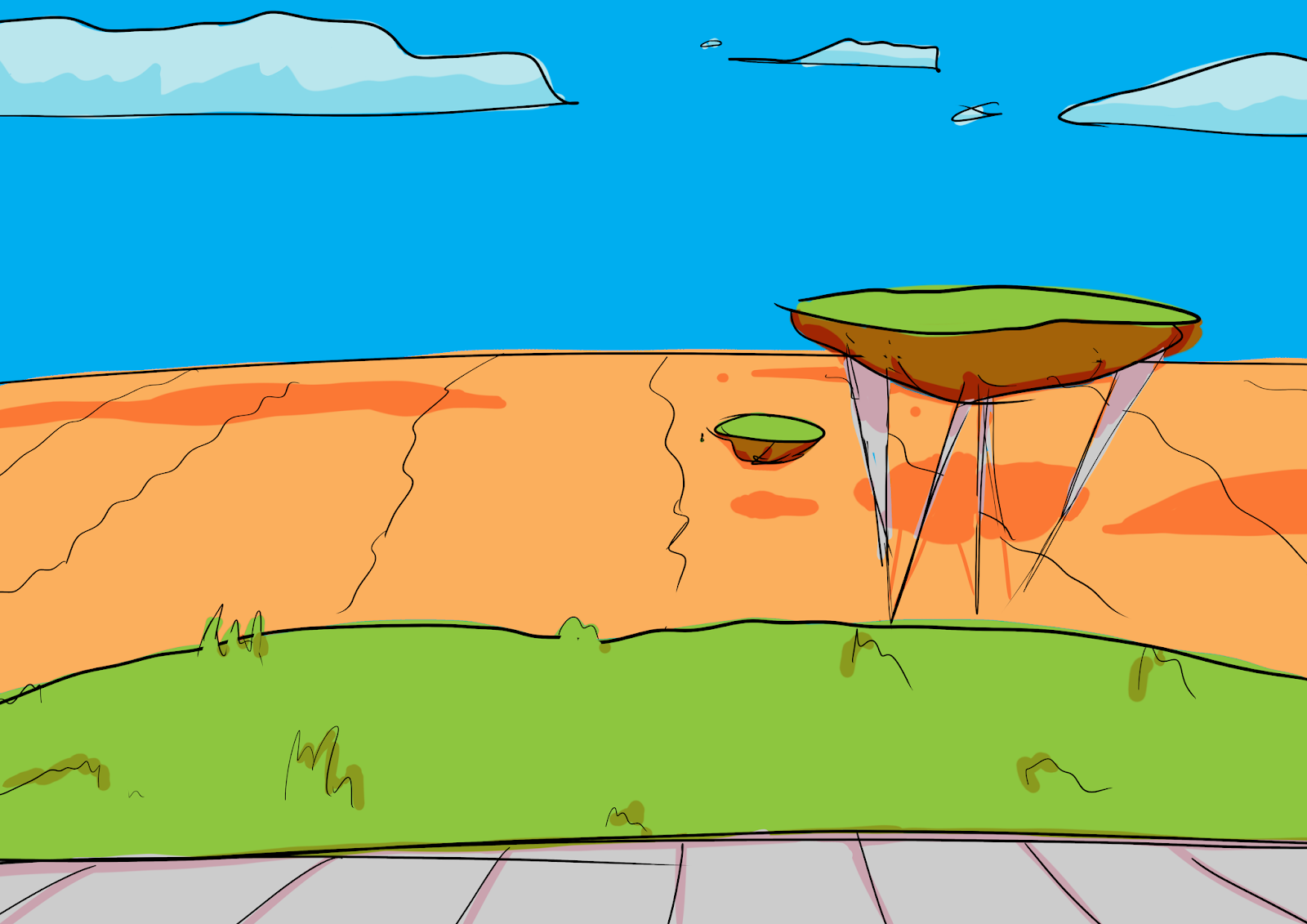
< Drawing 7
Drawing 8 >
The brief I created at the start stated that I was "I want
to create artworks with Southland not being flat but instead elevated by futuristic
methods like floating earth, or massive pillars." and "a
low angle view of Invercargill’s city center and being able to see down to the ‘real
earth’, which is a hot sandy desert. I also would like to capture the
beautiful, colourful, southland sky we get to contrast against the desert. The buildings
themselves won’t be different, so that they could be recognized as Invercargill’s
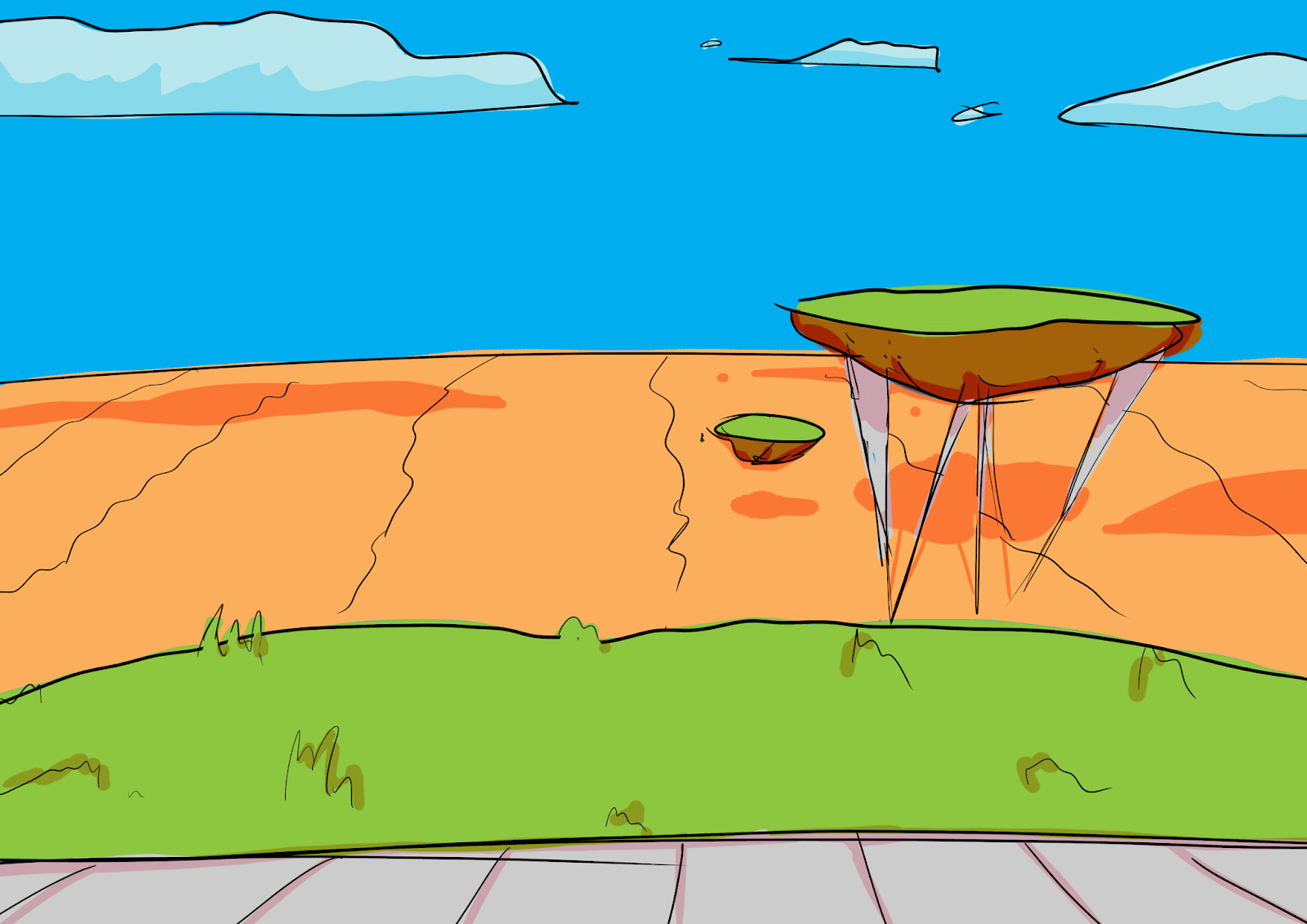
buildings in Southland" I did stick to this plan, but I didn't include the pillars holding Southland upwards. I instead stuck with the floating earth idea. I did attempt to create the beautiful sky, but nothing can true capture the amazing sky. I also did draw iconic Invercargill buildings to prove it was Invercargill.
Due to me, at the start, not knowing how I was going to draw this or not being to stuck on a curtain idea, I have a very open mind about what I was doing. If people gave me suggestions I wouldn't just brush it off. I would take it into account, consider it, and evaluate it. I would then adapted the new idea and create a newer, better drawing. This was a very good thing for me to practice. But I always made sure to stick to my original plan but with cooler changes/features.
Mistakes I made
Time management:
I did not use my initial time wise at all. I didn't start working on the real assignment until the end of May, last mouth. I didn't realize that we were suppose to do the drawings outside of class well learning the different software's like Maya and Mudbox. If I had used this time, I would have done a much better done on the last few artworks. Next time I have an assignment, I will ask all the obvious questions like if we work on our own time.
I lefted handing in the assignment way to late. I was going to try to hand it in eight minuets but the computer froze. I would have been prepared for this, but I (full of disbelieve and stress) stared at the screen waiting for it to load. When it loaded, I had to transfer the images into a flatted image for the booklet, import the images into the booklet, position them to fix, and finally sent it though blackboard and student drop box. By the time I did all of this, it was six minuets over due. This was stressful. But I made sure to email the tutor what happened, take a screen shot as evidence, and apologize for it being late and understanding if I get a automatic fail.
When I realized that I might not finish on time, I asked my tutor for help. This was a very smart move, but I should have done this much earlier that I did. But something I didn't do which, I see I should have done was get some advice from other student and look at what they are working on. If I had done this, I could have presented my booklet a lot better than I did. I could have realized the true potential of the booklet. Next time, I will ask and look at some other students works to see how I could improve my own.
Blogging:
I didn't blog much at all. I am blogging now but I should have been blogging as different problems arose, because now I do not remember all the problems I encountered and overcame. I remember most of the problems there could have been more. I am now catching up with the blogging I didn't do now. It's better than never I guess.
New possibilities
Type of drawings:
I now know the true possibilities of what I can draw. I can draw a comic, a photo-shot, a themed short screen play, portraits of characters, locations, and collages. This is just some new ideas I can achieve and do next time. I do not have to stick with just landscape drawings. I can do abstract, realism, cartoon, digital, and many more ways to draw, colour, and style.
The cover sheet should be the drawing point that makes views want to look at my work. I do not have to draw more artwork to cover the front and back. I could have done a completely different type of work to show an idea you want them to think of as they look at the work. There are so many way to present a booklet. Next time, I will research or look at how others have presented a booklet to that I can know how.
This was the first time I had made a booklet before. I have never really seen one ether, but now I have more experience on what to do for when/if I create another booklet in the future.